Demonstration only · This is not a registered public business listing.
Unavailable
Connect a store to see a recent observation.
Last checked No observation yetAwaiting connection
Waiting for a reliable signal0 / 3
Share the status. Keep the footage private.
01
Freshness is visible.
A timestamp makes the difference. Observations older than 35 seconds become unavailable.
02
Uncertainty stays honest.
Three consistent checks confirm a change. An unreadable indicator does not mean closed.
03
The camera stays local.
Frames are processed on the operator’s device. Only status observations reach the service.
Operator workspace
Operator studio.
Pair this device, show a clear OPEN, CLOSE or CLOSED sign, and share a status page. Camera observation runs while this page remains open.
01
Pair your store
Keep the pairing token private. Customers only need the public link.
Connect an existing store
No store paired. Create a camera board for live detection or a separate replay board for tests.
02
Read your store sign
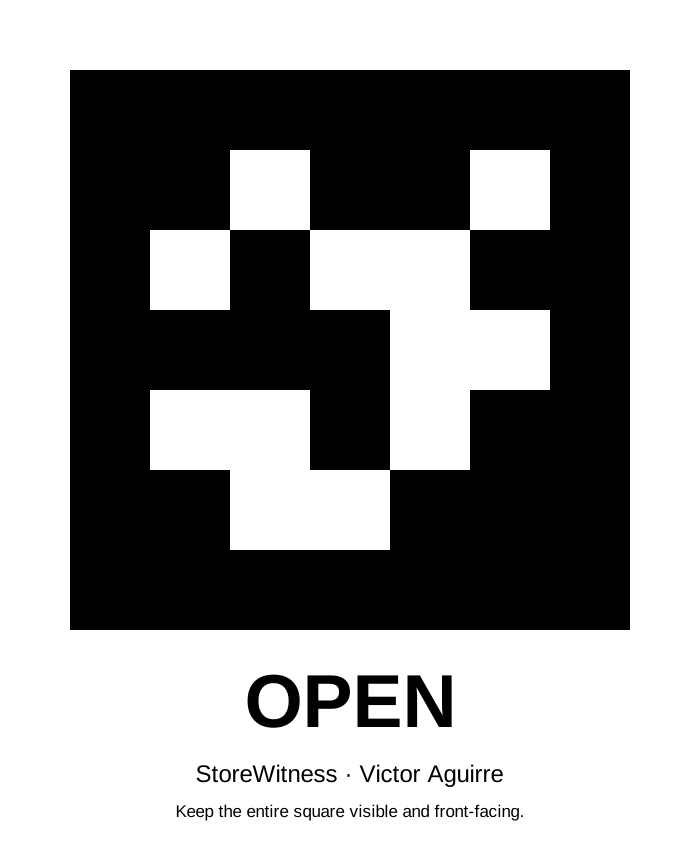
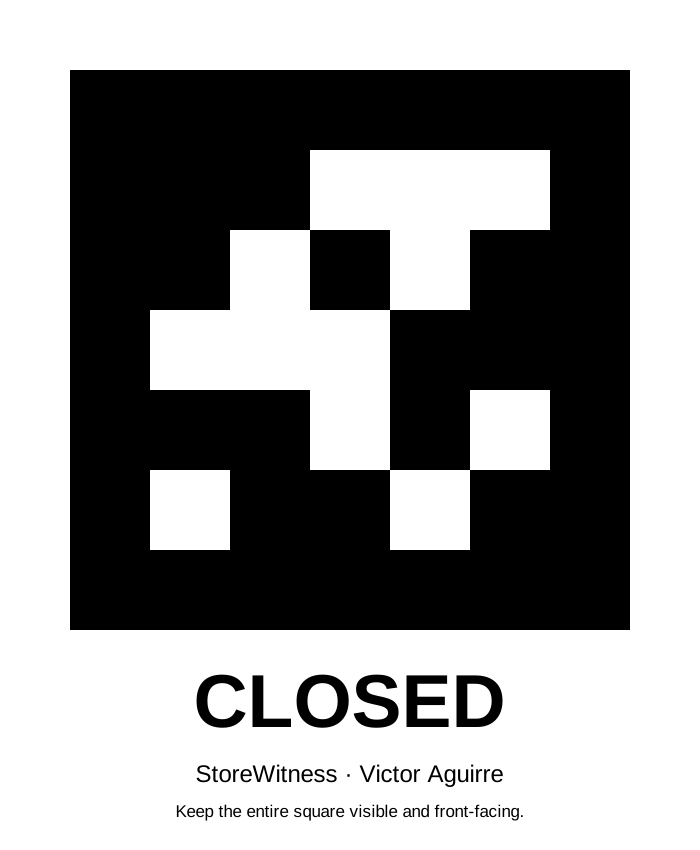
Ordinary OPEN, CLOSE and CLOSED lettering is supported. Choose coded marker only for the supplied square markers.
Enable your camera to load the text scanner automatically, or load it manually. Check a webcam frame without pairing; pair a store only when ready to publish.
Image tests do not change your public status.
SHOW ONE CLEAR WORD · WHOLE FRAME IS READ BY DEFAULT
◎Your camera, your device.
Enable the camera when you are ready.
CAMERA OFF
Last image examined by OCR · local preview only
LATEST DETECTIONNo frame checked
CONFIRMATIONWaiting · 0 / 3
Sign text is the default. Three matching live readings confirm a status. CLOSE and CLOSED both mean closed. For objects, lighting and schedule context, open Camera evidence. No video is uploaded. Open Camera evidence ↗
03
Make the signal clear
Use a clear ordinary OPEN, CLOSE or CLOSED sign in text mode. The downloadable coded markers are an optional alternative.
Show only one status word, facing the camera, with large high-contrast letters. Avoid glare, blur, mirrored text and background signs. For the downloadable markers, select Supplied coded marker.
REPLAY LAB
Test without a camera.
Replay inputs exercise the same confirmation rules. They are visibly labelled and must use a separate replay board.
Create a replay board to enable these controls.
OWNER CONTROLS
Context the camera cannot see.
A manual override is explicitly labelled and expires after 15 minutes. Use it for an exception, then let observations resume.
Pair a store before using owner controls.
SMALL SIGNAL. PRACTICAL PURPOSE.
Evidence before the extra journey.
StoreWitness explores a simple question: can a participating store make its latest opening signal useful to people before they travel?
10s
between camera checks
3
consistent checks to confirm
35s
until an observation is stale
01 / OBSERVE
A designated indicator.
The operator’s browser reads ordinary OPEN, CLOSE or CLOSED text, or an optional coded marker. Object and lighting analysis is available on Camera evidence; crowds and darkness alone do not prove business status.
02 / CONFIRM
Wait for consistency.
Three matching observations confirm a status. Brief obstruction and conflicting readings stay uncertain. Camera failure is not treated as closure.
03 / SHARE
A useful public signal.
Customers see the observation, source and timestamp. Owners can temporarily override it. Customers never need the operator’s private pairing token.
HONEST BY DESIGN
A working prototype with a defined scope.
Live capture needs a supported webcam, permission and an open operator page. Replay boards are explicitly labelled test data. This app does not modify Google Maps, verify that staff can serve you, or guarantee a store’s availability. A real deployment needs the owner’s permission and field testing.
Built by Victor Aguirre ManilaHack community prototype · November 2026